
VillageForge
Upgrade, army, and base planning for every Town Hall
VILLAGEFORGE
A clearer path for your villages.
Your upgrades, armies, and layouts—in one plan.
Start with your JSONHome Village & Builder BaseYour actual levels
Crafted Defenses: Supported from TH11What changed
VillageForge now recommends Cake-A-Pult, Hero Hunter, or Hot Candle and ranks their Health, Damage, and Ability Damage modules. Army instructions include counters for all three defenses, and base-layout fit now accounts for the selected Crafted Defense. TH18 army rankings retain the official July balance signal: Dragon and Dragon Rider attacks remain prominent but were trimmed, while Electro Dragons, Meteor Golems, and Druids received support.
1. Paste your village export
Only required sourceImport your village
One JSON export covers both villages.
or
Get your village JSON2 steps
In Clash of Clans, open Profile → Settings → More Settings.
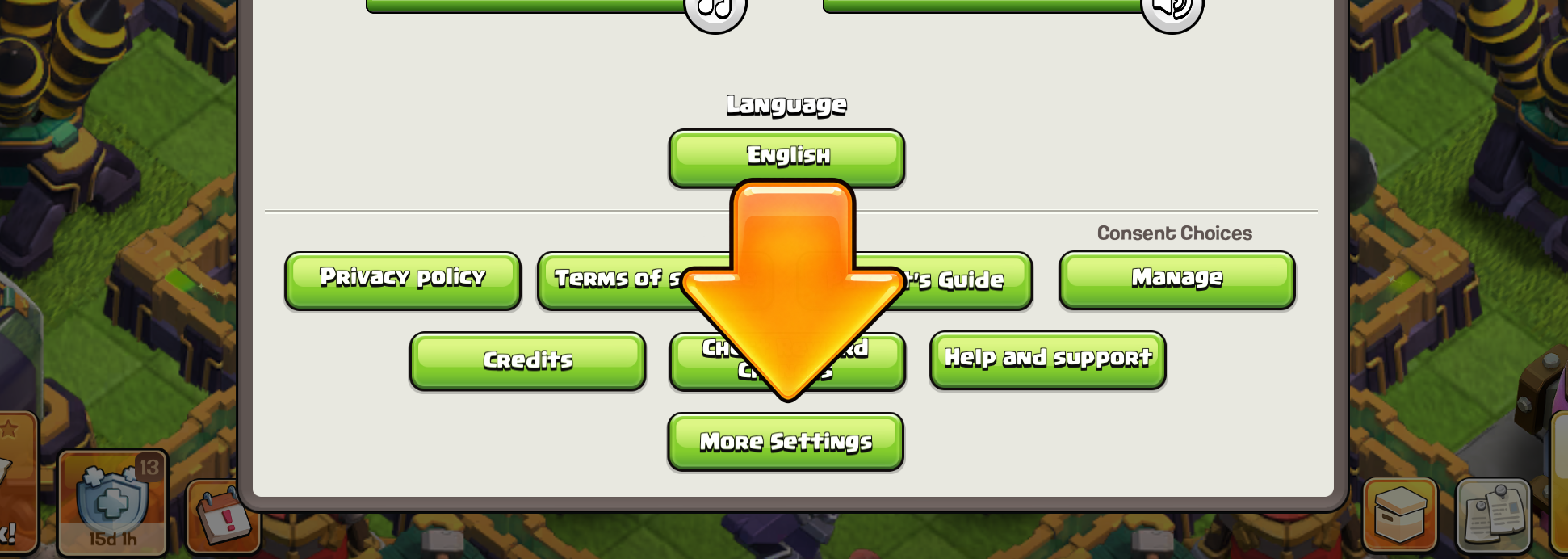
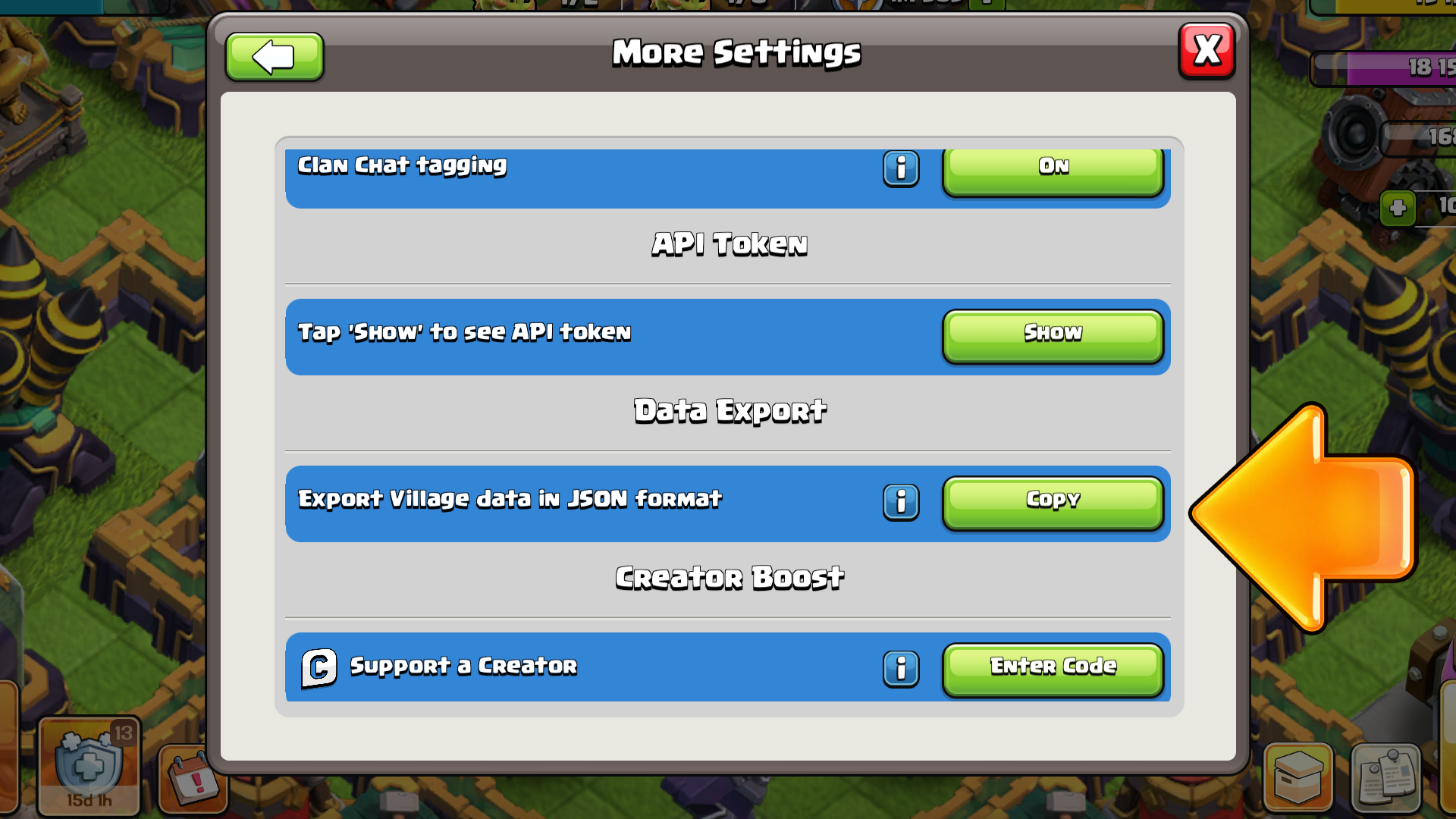
Do not paste account login details.Never share a Supercell ID verification code, email password, or recovery code. VillageForge only needs the village export.
No progression JSON loaded.
No saved history yetYour first imported village export will start a private progress history on this device.
Saved original JSON filesLoad, export, or delete remembered accounts.0 saved
Automatic cross-check
Waiting for sourcesSource consistency
Paste progression JSON to begin
The player tag, Town Hall, and progression will be read from the same export.
Review loaded account levels
Developer testing: paste an API response
2. Select the goal
Changes recommendationsPersonalize around your armies Optional, saved on this device
One army prioritizes its research. Capacity and unlock upgrades still matter.
No feedback saved yet
3. Building progress
Exact levels from JSONThe progression JSON is the source of truth. VillageForge maps each internal building ID, preserves separate level cohorts and quantities, compares them with the current Town Hall cap, and ranks the actual remaining upgrades. No screenshot recognition is required.
Load a progression JSON to populate exact building levels.
3. Add base analysis OptionalScreenshot or link
BASE
Upload one normal Home Village screenshot
Use one full-base screenshot only if you want layout guidance. Building levels still come from the JSON. PNG, JPG, JPEG, or WebP.
Detected base footprint
Measured core zone
Localized dense cluster
Localized open approach
Any secure external base page can be kept with the report. Only official link.clashofclans.com URLs expose layout metadata; external ratings, images, and copy links remain on their original website.
How these sources are used
The JSON supplies exact progression. The layout link is retained with the report, while the screenshot is used only for local structural zones and annotations.